


By Arthur Brown
Your data is the most valuable information you create and store on your devices, like smartphones, laptops, etc. Data is mostly unique and sensitive that if accessed by unauthorized persons or it gets lost, the aftereffect can be devastating. Whether the data belongs to private individuals or corporations, they are typically sensitive and confidential.
A company’s data includes special documents containing trade secrets, employee and clients’ personal information, financial information of the company, and so on. In the case of private individuals, your phones, laptops, and other devices contain sensitive information about you. Your bank account, social security number, credit card details are some of the information these personal devices contain. If accessed by unauthorized people, it may aid in identity theft, and so on.
Securing your data is essential for you to protect against data loss and data leakage. You would think it is such an overwhelming and complex process – thankfully, it is not.
Here are some simple ways to secure your data to prevent data loss or leakage:

1. Update Software Regularly
Allow software updates on your devices, from the operating systems to every other application on the device. Software companies regularly put out updated versions of their software, usually in response to detected bugs and vulnerabilities in the software.
Failure to update your software when the software company releases an update means using the previous version. The old software version is usually prone to data breaches and other data loss and leakage forms.
2. Create A Password And Protect It
One of the best ways to secure your data is by creating a strong password for your devices, software, etc., to prevent an invasion of your digital devices and act as a disaster prevention plan and it is also best practice to use unique passwords for each device and software; passwords shouldn’t be hard for you to remember. You may use password trackers to track all of your passwords, so you don’t forget them. This will allow you to go all out to create a strong and unique password for each of your devices.
3. Protect Your Browsing
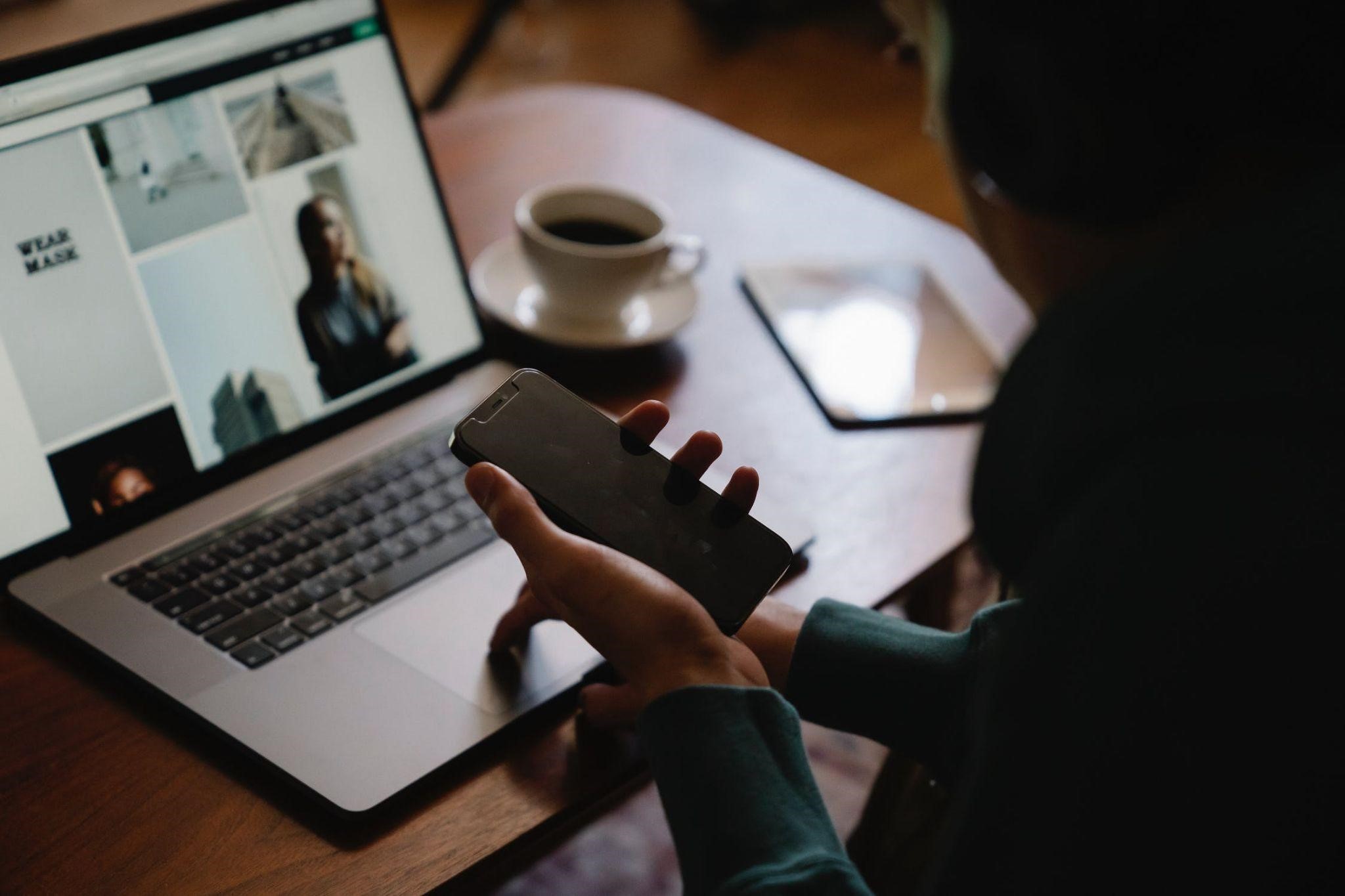
Make sure your browsing is protected and secure. Let’s say you use free public WiFi; you will need to protect your data from being accessed by unauthorized third-party organizations or individuals. Free public WiFi networks are generally unsecured, so your personal and sensitive information may easily be exposed to other people using the same public network. You should use a Virtual Private Network (VPN) to protect your device network and your browsing on the free public WiFi.
You just need to ensure the VPN service is trusted and legitimate.
4. Keep Your Data Encrypted
Encryption codes your data into ciphertext to make the data inaccessible by unauthorized persons. Encryption is useful for protecting data, from email to the messages on your phone, computer, and other personal devices.
When you encrypt your data, the data becomes scrambled and appears meaningless without the key to the encryption, called ciphertext.
This will make it impossible for unauthorized persons to gain access to your personal information, thereby preventing data loss or leakage.
5. Backup Your Data
Make sure to have backup storage for the data you have stored on your devices and networks. You may lose all of those data or any of the data if something happens to your devices or networks. Backing up the data is a trusted and reliable way to ensure you don’t lose your vital data.
Let’s say you lose your computer and all of the information/data stored on the computer network, and you can simply restore the data if you have backed it up before.
You can secure your pictures, documents, etc., from hackers, ransomware attacks, and other forms of data loss or leakage by simply backing up your data.
To ensure optimum protection for your data, you can backup using online services and external hard drives, but you can use either of the two backup storage options.
Some of the popular causes of data loss include:
– Fire damage or water damage to your device.
– Virus and other malware attacks on your device networks.
– You may accidentally delete your data.
Although data loss and data leakage are not the same as a data breach, which is typically an intentional attack on your network to steal your data for malicious purposes, they are just as bad since both involve data reaching the hands of unauthorized recipients and loss of your data.
Your personal and sensitive information or data are typically essential data that you cannot afford to lose, especially in the hands of unauthorized persons.
So, it is only reasonable for you to keep the data secure to prevent loss of data and data leakage.
About the Author
Arthur Brown – A dad of 3 kids and is a keen writer covering a range of topics such as Internet marketing, SEO and more! When not writing, he’s found behind a drum kit.


